

All the tools you need for multiple eLearning purposes

Slide-based Courses

Interactive Simulation

Assessments & Gamification

Video-based Courses
Create eLearning interactive courses with AI Assistant
Build engaging eLearning content and quizzes with AI writing, image generation, text-to-speech, and more.
✔ Customize ready-made themes and templates for eLearning purposes
✔ Accelerate with a complete AI toolkit for generating learning materials.
✔ Boost engagement with drag-and-drop, timers, and interactive elements.
Convert existing PowerPoint presentations to courses
Turn your slides into trackable eLearning with LMS-ready exports
✔ Retain the slide-based format, ready for continued eLearning design.
✔ Enhance project with quizzes and interactive eLearning features.
✔ Export to SCORM & xAPI packages with ease.
Build step-by-step
software walkthrough
Show, don’t tell – make every step easy to follow & remember
✔ Record software tutorials with interactive walkthroughs.
✔ Customize mouse cursors and add click sound effects.
✔ Style annotations and apply them across all slides.

Develop interactive assessments & educational games
Design quizzes that motivate learners through interaction, variety and structured feedback.
✔ Grab learners attention with 13 types of interactive questions.
✔ Group questions into pools and shuffle quizzes randomly.
✔ Give immediate feedback & quiz scoring.

Create screencast or
training videos in minutes
Capture everything and polish it fast with smart editing tools
✔ Record multiple sources at once: screen, webcam, audio, etc.
✔ Enhance further with popular video editing features.
✔ Leverage AI for advanced editing: noise removal, auto caption & more.
Publish anywhere, any device
One click to export – SCORM, xAPI, HTML5, LMS, wherever learning happens

Want to create eLearning content like these and more?
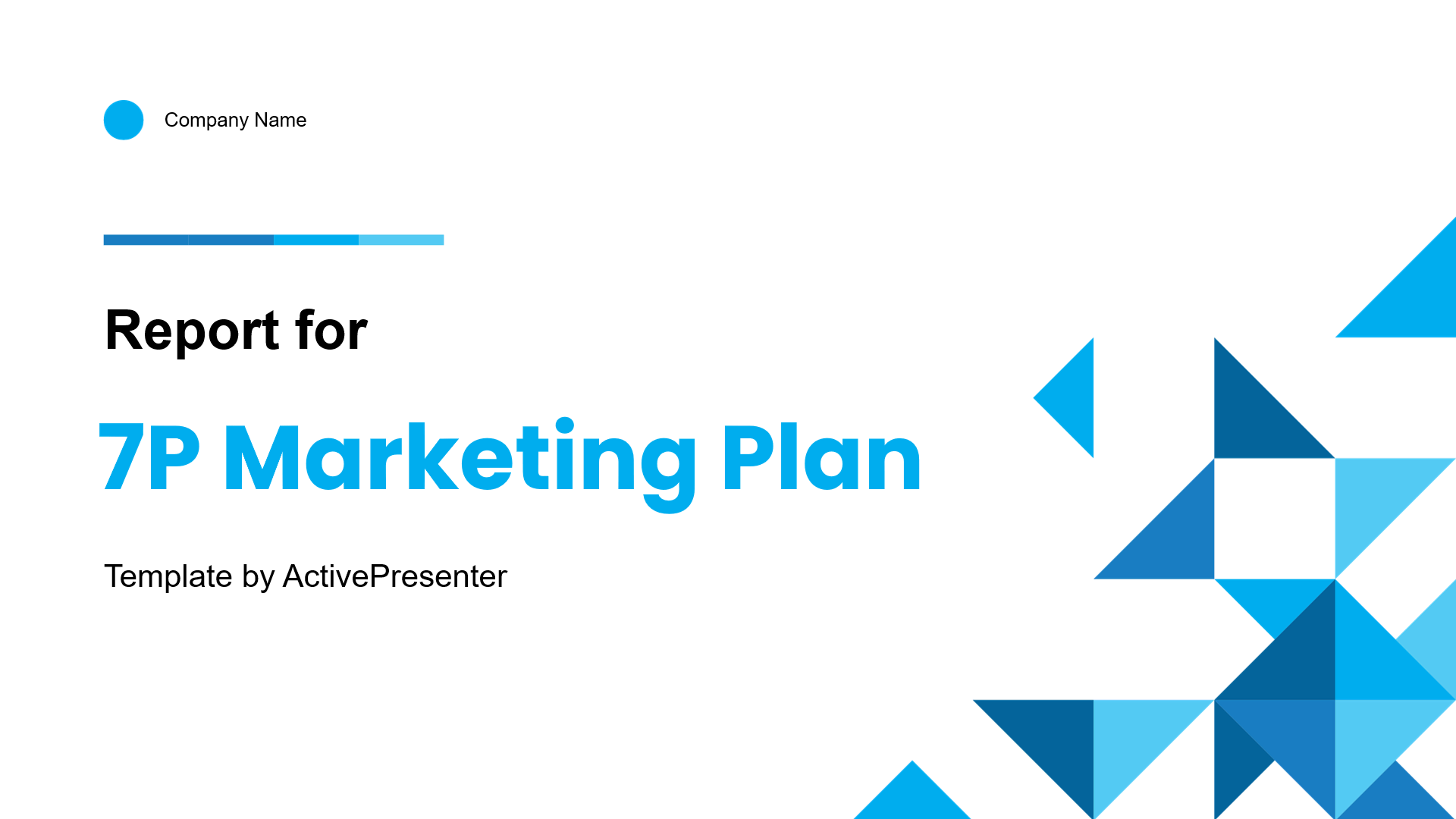
7P Marketing Plan
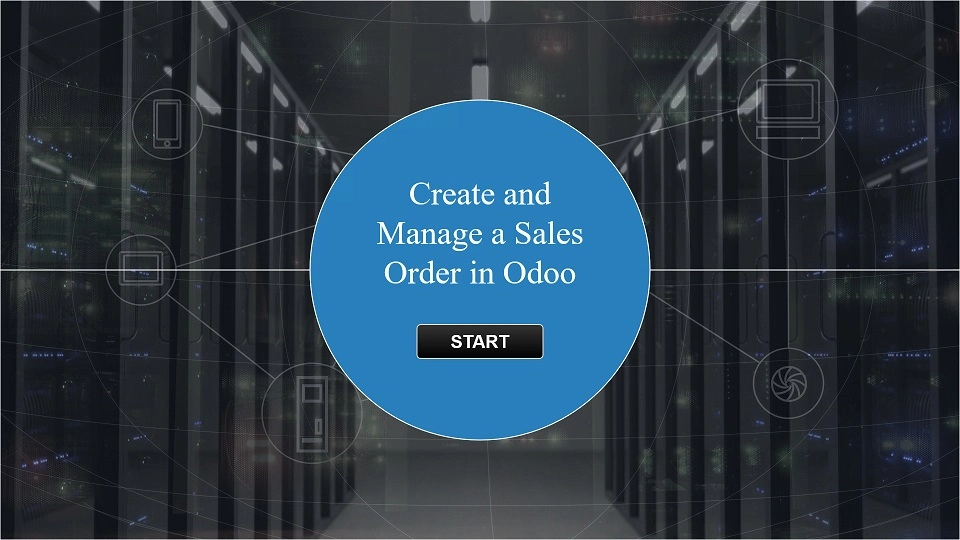
Odoo Demo Tutorial
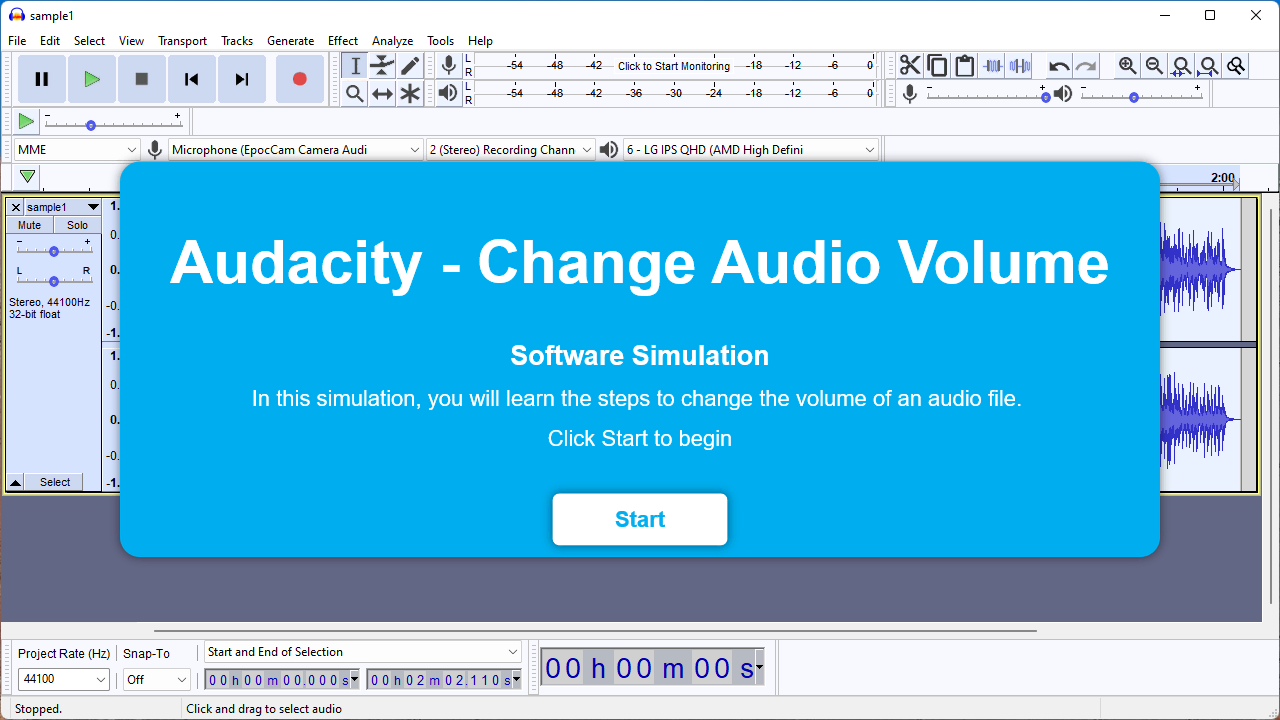
Audacity Software Demo

Millionaire Quiz Game
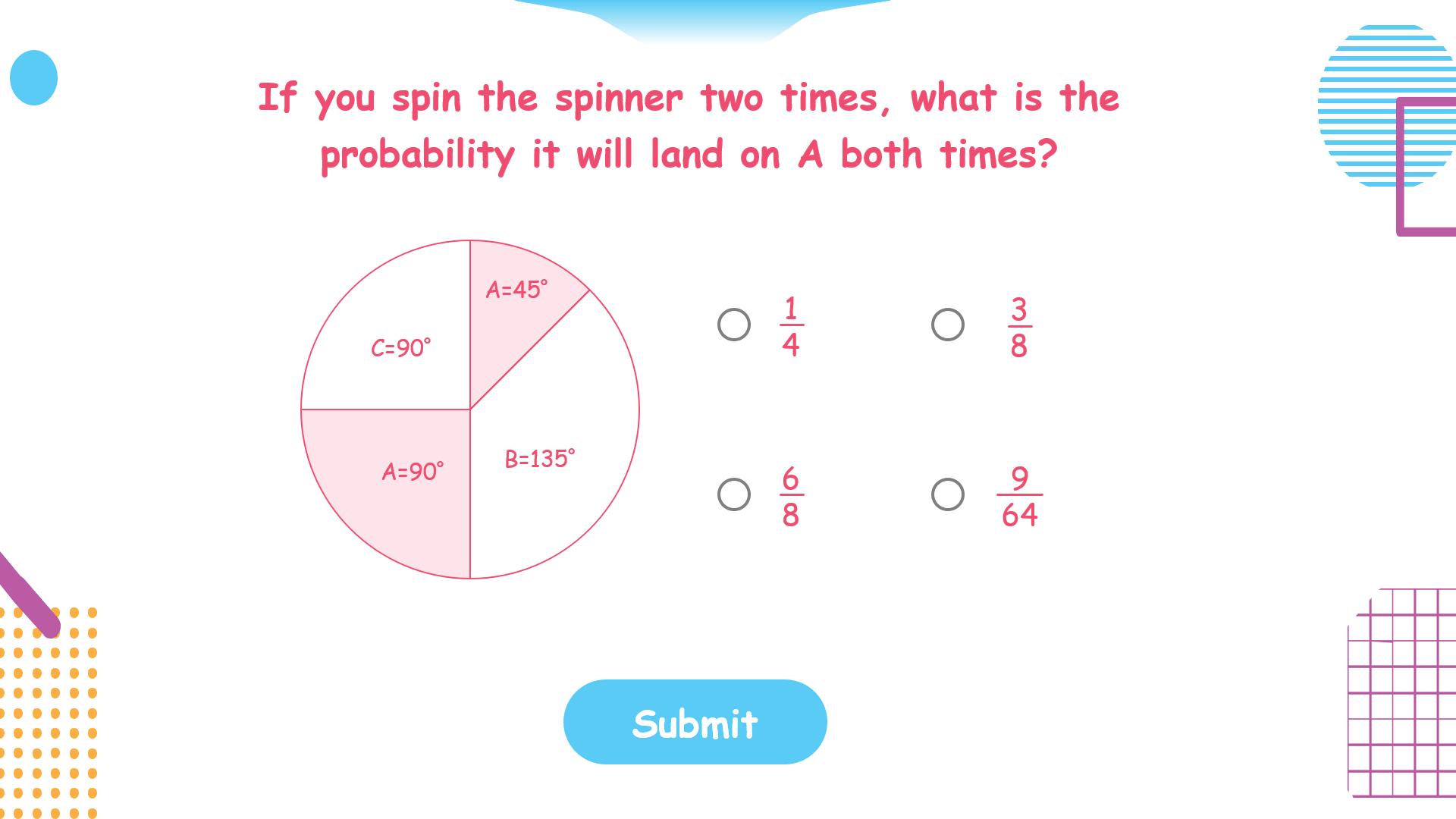
Mathematics Test

Wonders of the World
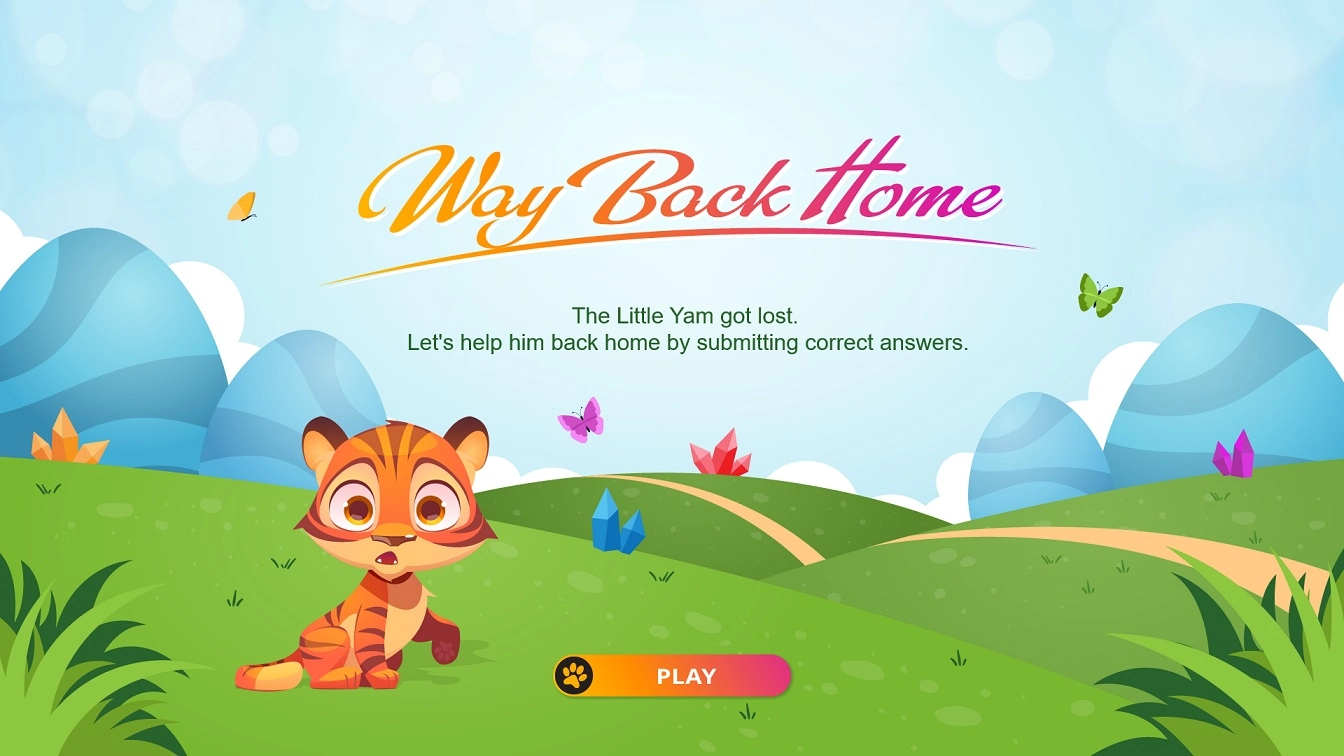
Way Back Home Game
Trusted by millions of users
5.000.000+
downloads
10.000+
organizations












Recognized by honorable certificates






Hear from our happy customers!
Just a few words from our millions of users
I’ve been a user for 7 years and recommend ActivePresenter to all my colleagues.
Most importantly–thank you for the care and amazing work that you put into ActivePresenter. My life would be much more difficult without this wonderful tool.
Michael Apfel
Onebox
I have been looking for a product that would allow me to add interactive elements throughout the session as well as offering the various methods for learning software (tutorial, practice, test, demo features). This product delivers. The learning curve is minimal, I love how I can customize courses.
Lisa Schlabaugh
Course developer
I do admit that I am convinced by your product – it is really good and aligns perfectly with my preferred workflow.
Your community and support are top notch as well and I appreciate your team’s involvement within the community too.
Greg Stager
eLearning developer
I just wanted to say that I am so happy I bought your product – it provides everything I need and more, to make tutorials and your support is second to none.
Jay Sweeney
Knowsley Community College
People always seem to find it easy to complain about something, but rarely actually let people know how good something is, so, I wanted to write a short message to say how great the software, and your company are.
Chris Meyer
Little Lesson
You are a rockstar. Thank you so much you have fixed everything. All is working as it should now. Again, I would just like to say a huge thank you for all your 5-star support and also a great bit of software.
Shane Du Toit
Smart Marketing Solutions
Frequently asked questions
Explore the answers to common queries and make the most of your ActivePresenter experience
What exactly can ActivePresenter do?
ActivePresenter is an all-in-one eLearning authoring tool to record screen, edit video and create eLearning courses.
It’s fully capable of exporting content to SCORM, xAPI, and almost all Learning Management Systems (LMS), including uPresenter – an interactive eLearning creation platform.
What are the key differences between free and paid versions?
The Free Edition is designed for trial and non-commercial use only.
It offers almost the same functionality as the Standard or Pro Editions, except for features that rely on third-party services (such as AI tools).
Outputs generated with non-free features will include a watermark until a license is activated.
Can I integrate ActivePresenter with other LMS?
Yes, ActivePresenter integrates smoothly with almost all major Learning Management Systems (LMS) by exporting your projects to SCORM and xAPI packages.
You can also publish directly to uPresenter LMS for full interactivity, publish share and detailed results tracking.
What kind of support and resources are available if I run into issues?
You can always reach our team directly via email support for personalized assistance with any specific issues or questions.
We also offer robust support through our active community forum and a comprehensive collection of manuals and video tutorials.
Do you have any discounts program?
Yes, we offer an educational discount for students, teachers, and non-profits, and a volume discount starting at 20% for 2+ licenses, up to 45% for 50+ licenses.
You can check details and eligibility in our Pricing page.
Start your eLearning design journey
with ActivePresenter today!
No sign-up. No subscription.